See the look on you before you get dressed.
A heavier layer, a different pair of trousers, a look you have not tried yet. Choose a photo of yourself and preview how pieces from your wardrobe come together, before you pull anything off the hanger.
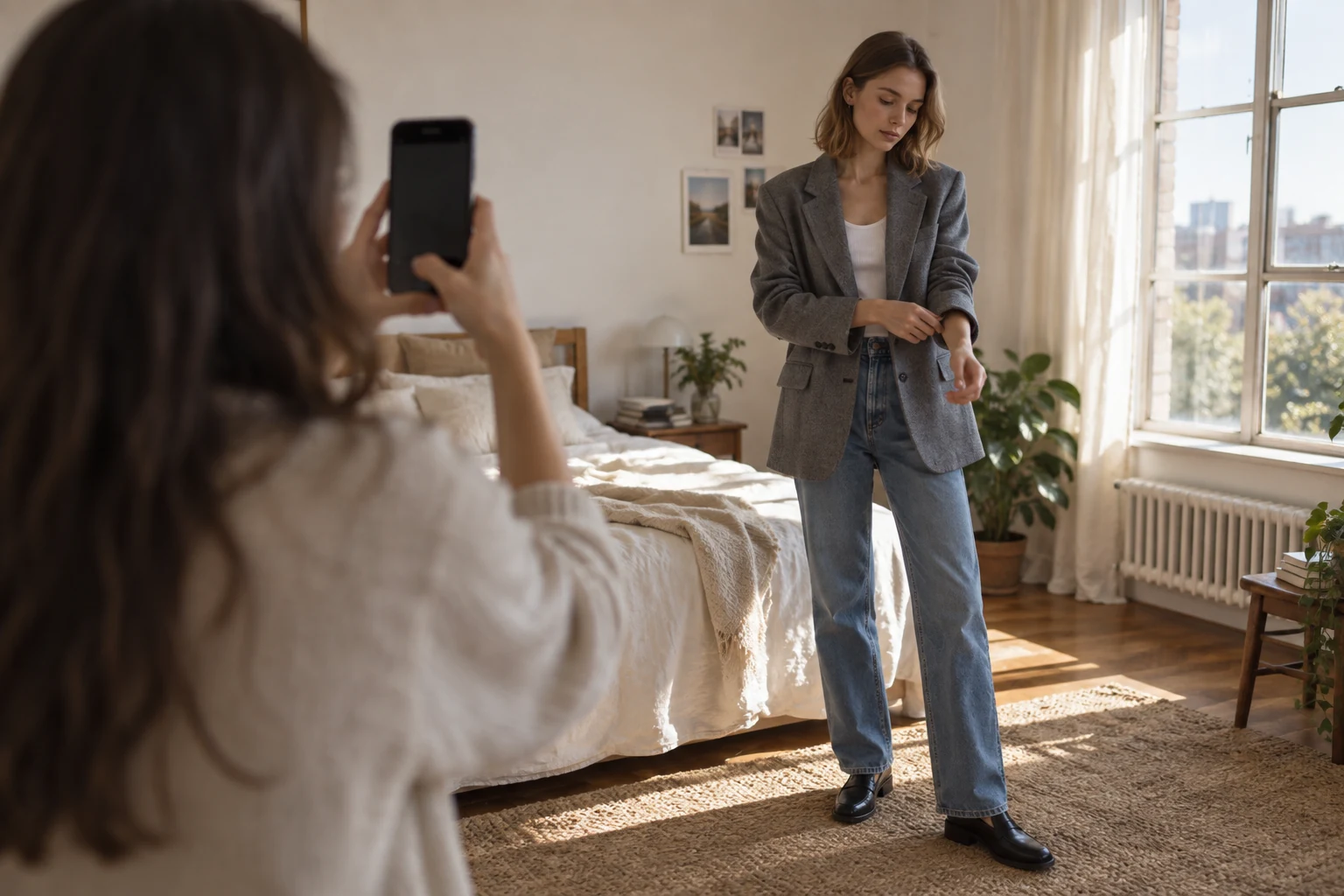
Your photo, your pieces
Pick a photo of yourself and the pieces you want to see, then confirm. Snaza creates a preview of the outfit on you. Nothing is sent until you confirm, and the app shows the credits a preview will use first.
Private by default
Selecting a photo does not upload it. Finished previews are kept in private history on your device and can be saved to Photos if you want them. Snaza does not use face recognition.
A preview, not a fitting
Try on results are generated images that help you imagine a combination. They cannot show exactly how a garment will fit, so treat them as a guide to proportions and color, not a measurement.
Questions
How does virtual try on work in Snaza?
You choose a photo of yourself and pieces from your wardrobe, confirm, and Snaza generates a preview image of the outfit on you. It uses credits included with membership and shows the cost before it starts.
Are my photos stored in the cloud?
Try on inputs and results are not written to Snaza's cloud database. Results are kept in private history on your iPhone.
From the Journal
Guides that go with it.
Snaza for iPhone
Your wardrobe, on iPhone.
Your clothes, saved looks and daily plans. Together in Snaza.